View Actual Customer
Calendars
|
Upcoming
Event List Examples
|
|
|
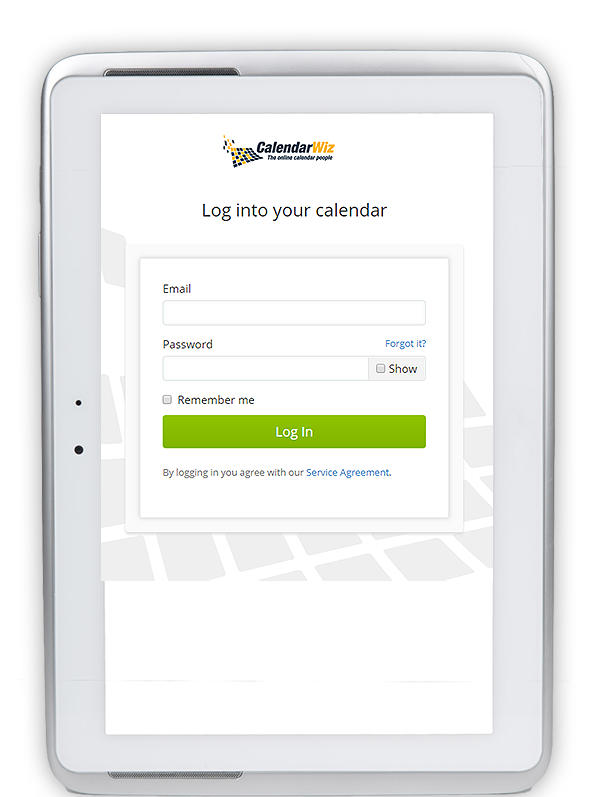
CalendarWiz
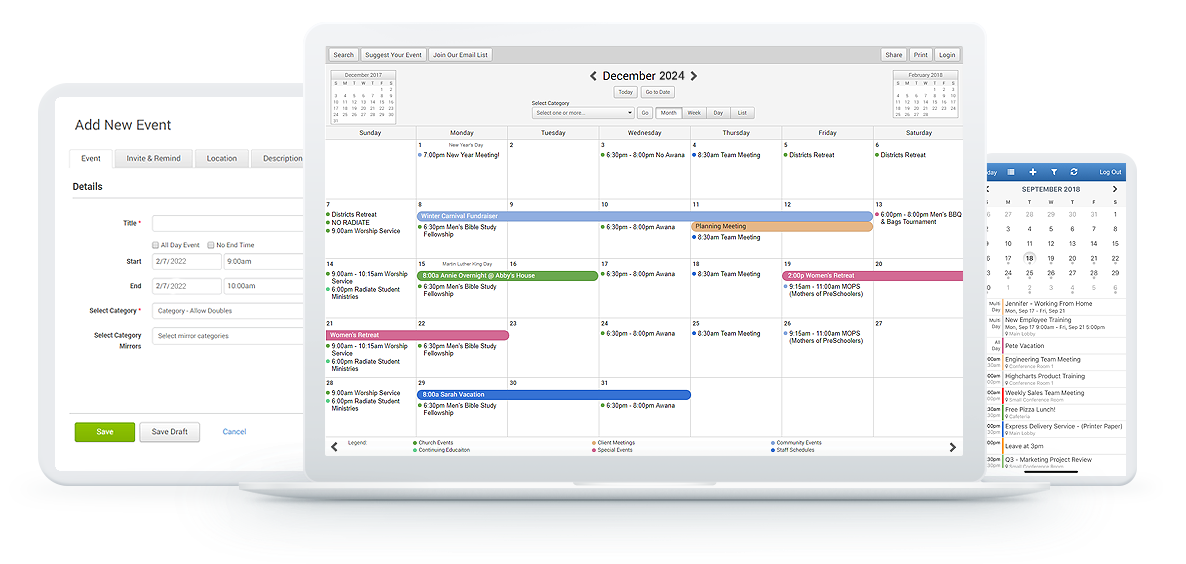
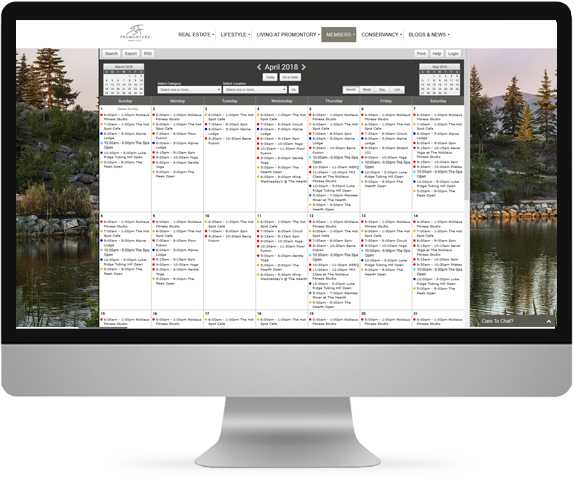
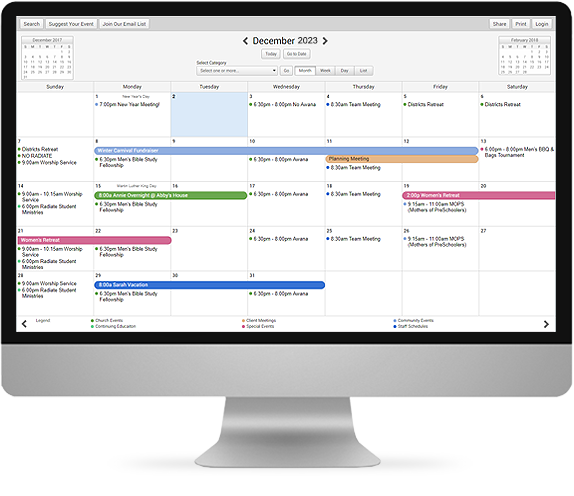
provides a fully interactive web calendar that is easy to update
with an intuitive interface your users will appreciate.
Hosted on our Cisco Certified Network, your calendar is available
to you 24/7 from anywhere in the world.
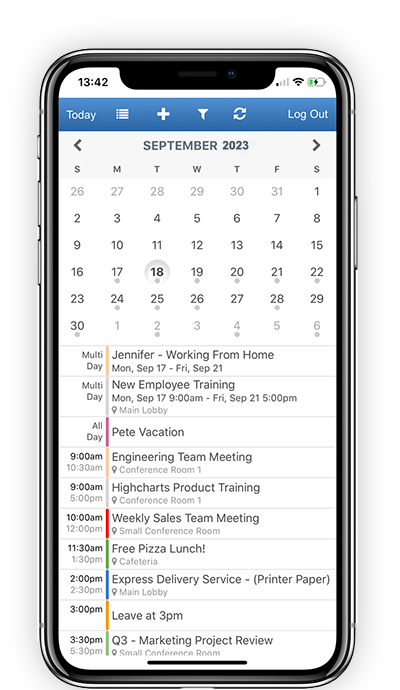
- Familiar month, week, day and list views
-
Option
to display Hebrew dates
- One-click calendar and event navigation
- Mini-calendars of prior and next month
- Quick jump-to-date selector
- Popup window with detailed event information
- Private event notes viewable by logged in users
- Show combined or individual category
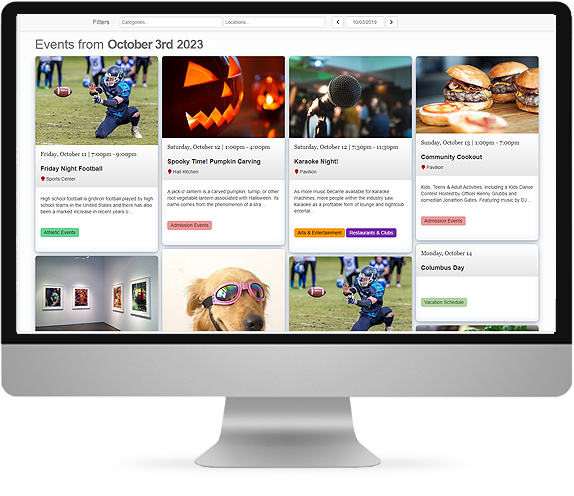
- Upcoming Event List for website pages
|
Easy To Administer Features

click on image to enlarge
|
|
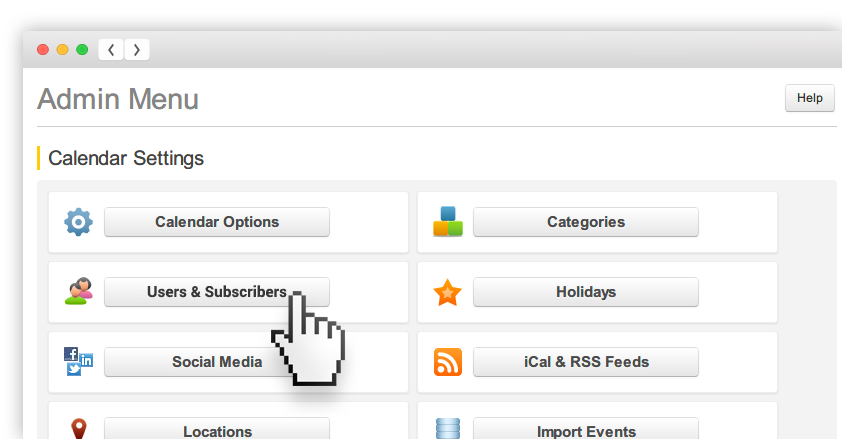
Assign multiple administrators
and category managers to manage your calendar from the straight-forward
administration menu.
- Set calendar options like time and day display
- Create color coded calendar categories
- Assign category managers to distribute workload
- Enter users and assign permissions
- Create a list of reusable locations with
automatic links to weather and

- Manage and update account information
- Choose from gallery of color templates
- Customize your calendar color palette
- Upload headline logos
- Choose from lists of holidays to display
- Import events from Outlook and other programs
- Import contacts as calendar users
- Upcoming events list widget for websites
- iCal and RSS feeds of calendar events
- Accessibility (ADA 508A Compliance)
|
Single or Repeating Events

click on image to enlarge
|
|
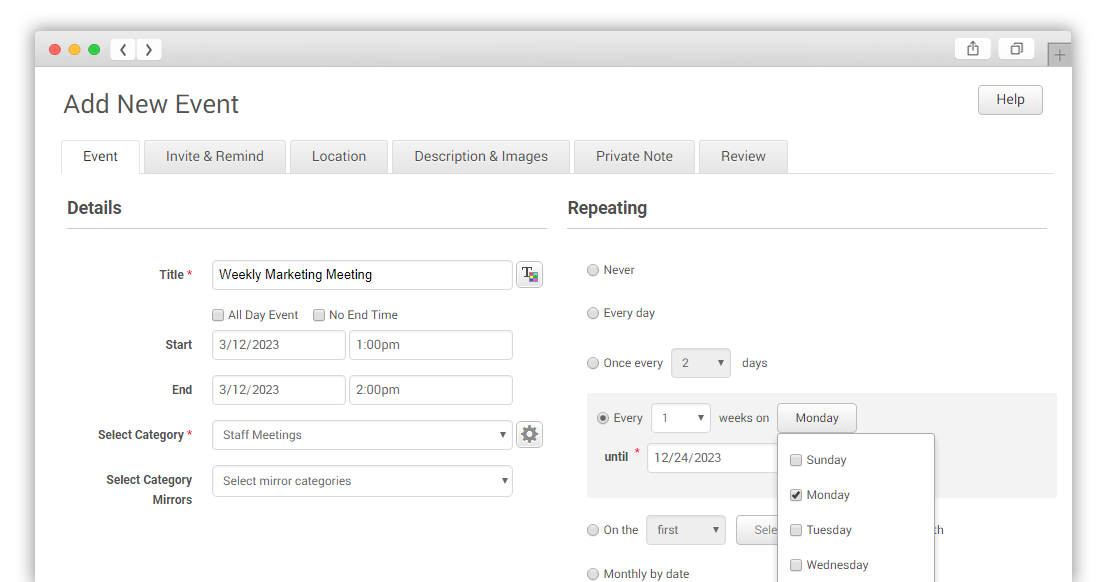
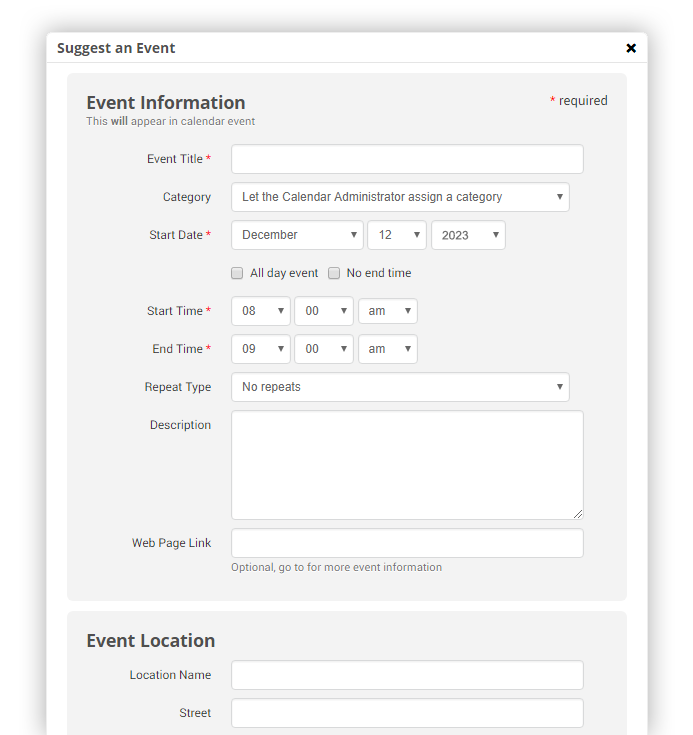
Add events to your calendar
using simple but powerful event definitions. Choose the
level of detail, from simple title and time or repeating events
and detailed descriptions.
- Single events, either timed, all day or no end time
- Save time with one-entry of repeating events
- Ability to edit single occurrence of repeating events
- Optional event detailed popup descriptions
- Include links to web pages for more information
- Choose event title font styles
- Optional saved list of reusable locations with directions
- Optional tracking of calendar updates
-
Private
notes viewable only by logged in users
|
Email Reminders & Announcements

click on image to enlarge
|
|
Increase event awareness
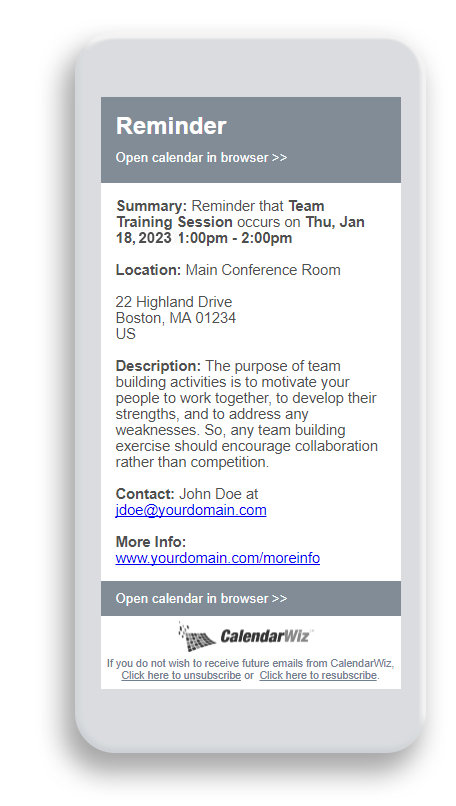
and participation by broadcasting announcements and reminders
right to your users email. Reminders can be timed to automatically
be sent at your choice of interval prior to the event.
- Broadcast emails to all or selected users and groups
- Send emails automatically from four weeks to one hour prior
to event
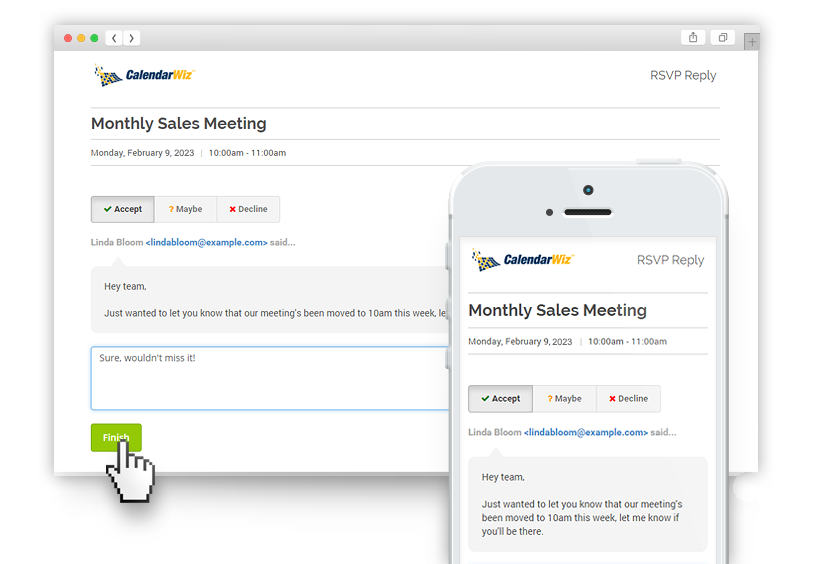
- Visitors may set own reminders via event popup
|
Public & Private Calendar Categories

click on image to enlarge
|
|
Categories are used
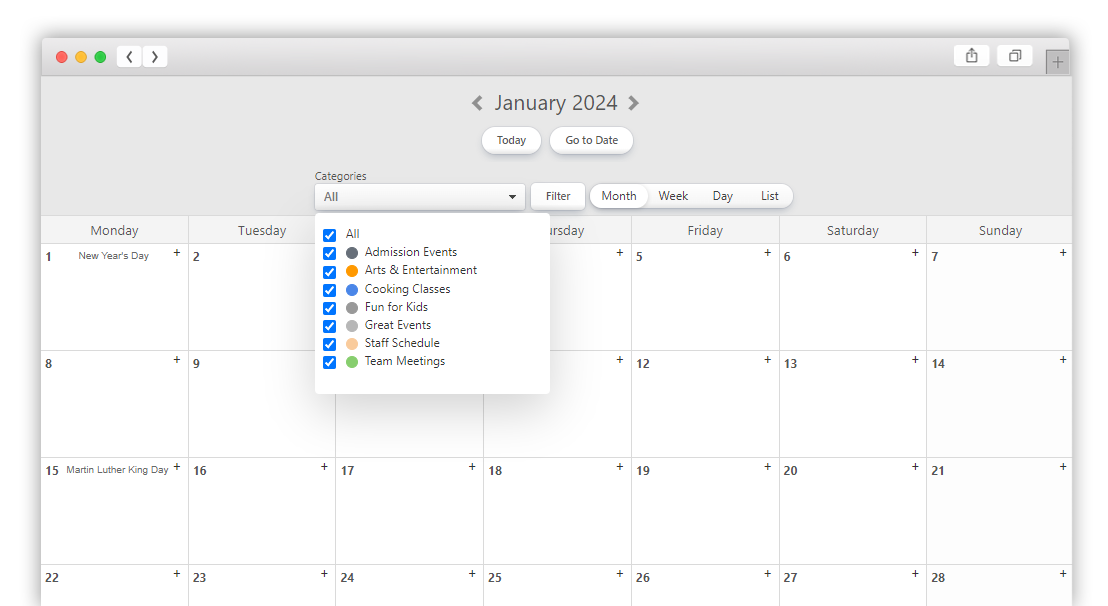
to group events into separate calendar views. Add categories
to fit your organization's needs. For example,
businesses may create a category for each department or schools
may create a public category for athletics and a private category
for administration. Categories can also be assigned for
personal calendars. You can even set up an assistant to maintain
a manager's calendar.
- Color coded categories with legend for at a glance viewing
- Create public or password-secure private categories
- Assign managers to maintain their own categories
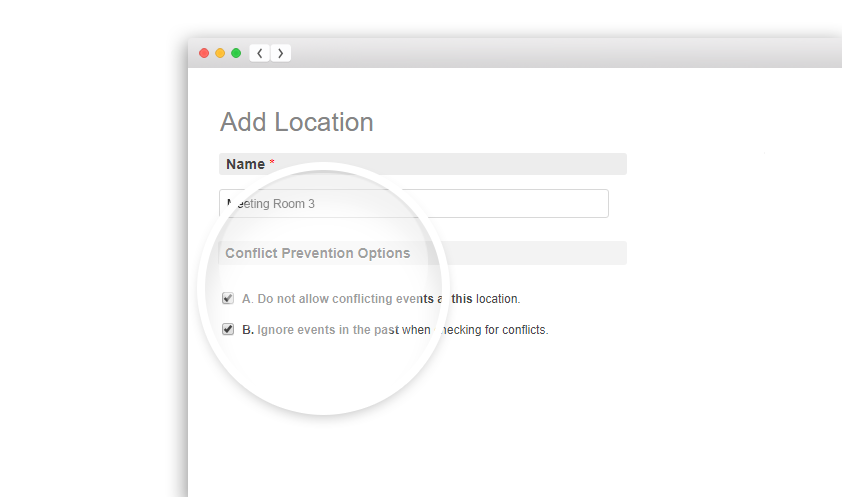
- Optional conflict prevention option for booking resources
|
Multi-Level Users & Administrators

click on image to enlarge
|
|
Multiple user and administrator
levels provide flexible control of calendar access and management.
All subscriptions allow unlimited calendar visitors.
Registered users can login to view private categories and receive
email reminders (see note below on number of users per subscription
plan). Managers can be assigned to maintain their own event
calendar category. Administrators have full control.
- Allows unlimited number of calendar visitors (viewing only,
no login)
- Registered users* login to view private categories and receive
reminders
- Managers can be assigned to update events in only assigned
categories
- Administrators allowed to manage all calendar options
*Note: Registered Users Allowed For Different
Subscription Plans: Basic (25 registered users), Standard
(50 registered users), Professional (100 registered users).
All plans allow unlimited visitors.
|
Easy Website Integration

click on image to enlarge
|
|
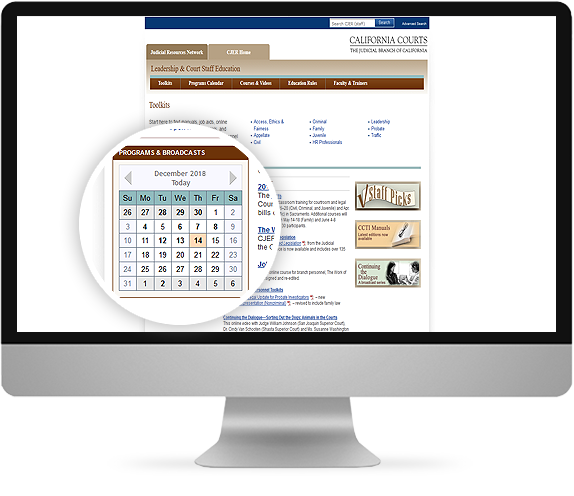
We make it easy to integrate
your calendar into your existing website or intranet. Choose from
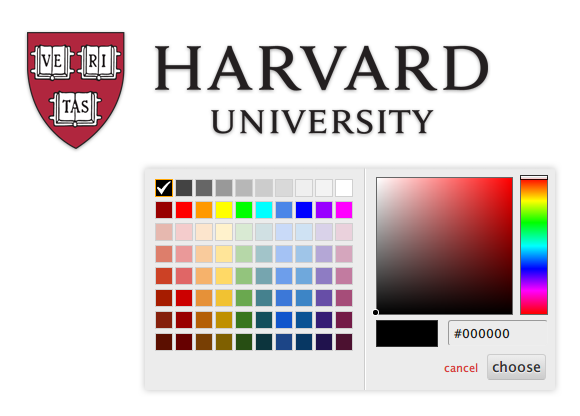
our gallery of pre-defined templates or use our palette tools
for an exact match to your website design:
- Link to calendar or frame calendar in your webpage
- Gallery of pre-defined color templates
- Palette tool for defining your own web-safe color scheme
- Custom heading text and font styles
- Upload up to two logo images for display
- Specify unique web links for logo clicks
- Optionally exclude header for use in web page frames
|
Resource Management & Conflict Prevention

click on image to enlarge
|
|
You can set up calendar
categories to manage reservations for conference rooms, facilities,
vehicles, equipment or any resource to be used exclusively for
one event at a time:
- Advanced category property to prevent conflicts within the
category
- Option to allow only administrators and managers to book
events
- Option to allow any registered user to book events but
not change other user bookings
- Visual conflict resolution manager allows adjustment to
schedules to eliminate overlaps without re-entering event
|
Customization Options

click on image to enlarge
|
|
Further customize the
actions of your calendar to better match your organizations requirements:
- Choose time displays in 12 hour or military format
- Create a custom button with link to web page or email
- Start weekday display on Sundays or Mondays
- Set calendar to your local time zone
- Choose from pre-defined holiday lists
- Specify labels for category drop down and event description
field
|
Import / Export

click on image to enlarge
|
|
Import and export
events to personal information managers like Microsoft Outlook,
Excel, Palm and others:
- Export events by date range and category in either Comma
Separated Values (.csv) format or as and vCalendar Interchange
(.vcs) format.
- Option to limit exporting to Visitors, Logged In Users,
Managers or Administrators only
- Jump-start your calendar by importing events from Comma
Separated Values (.csv) format.
|
Backup, Security & Reliability

click on image to enlarge |
|
Be confident
that your calendar is running on a world-class technology infrastructure:
- Datacenter has complete redundancy in power, HVAC, fire
suppression, network connectivity, and security.
- Cisco certified network ensures 99.9% uptime, 24/7.
- Data backups to mirror database in second location and batch
backups every hour to third location
- Use export to create your own backups on your computer
|